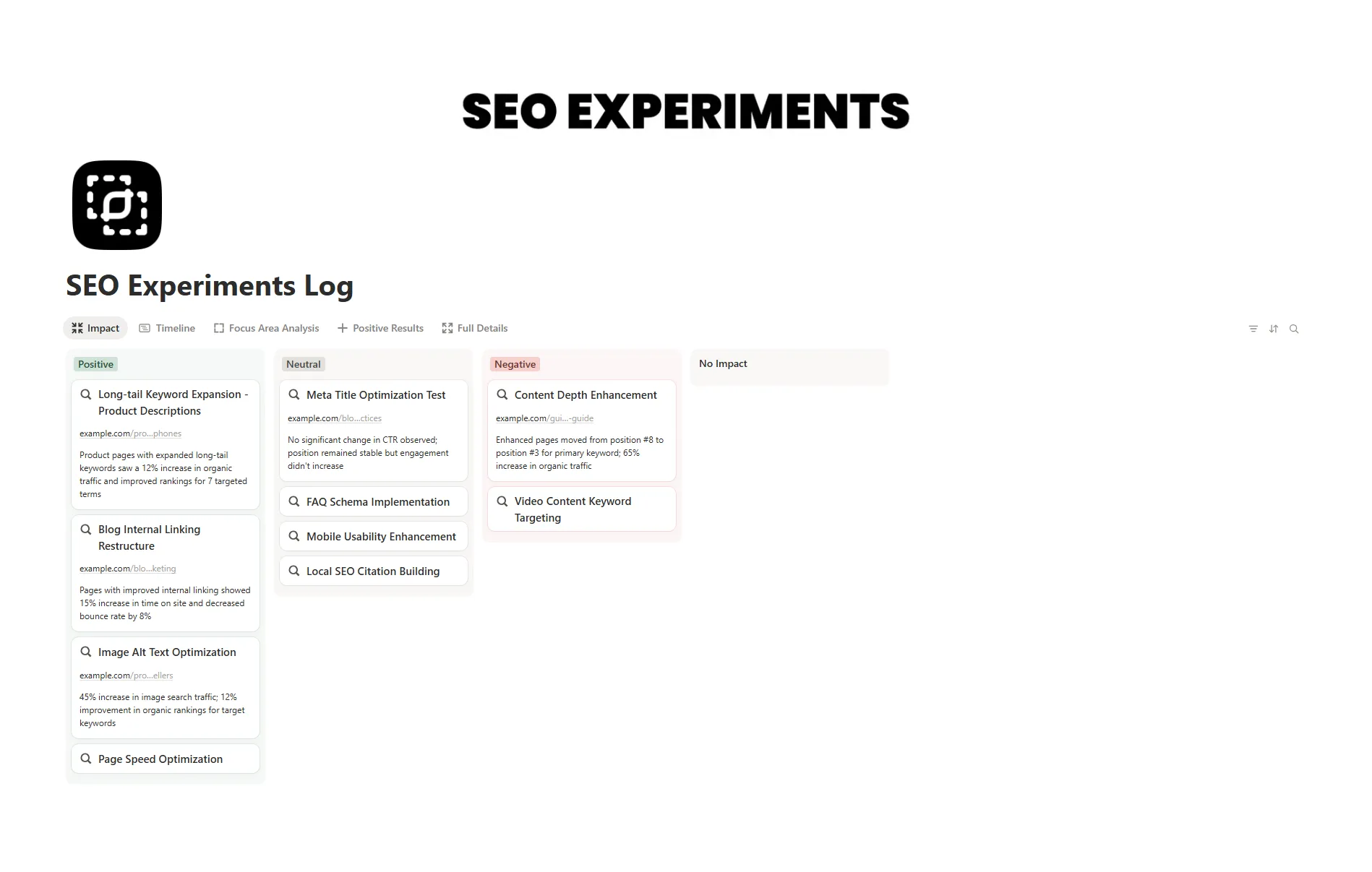
The SEO Experiments Log Notion template gives you a simple way to document your SEO tests without messy spreadsheets or scattered notes. You can track hypotheses, document results, and analyze what worked or didn’t — all inside Notion.
It’s much easier than starting from scratch because every key field is already set up for you. You’ll find status tags, metrics tables, and built-in formulas ready to go. The layout stays simple enough for beginners but includes advanced filters and dashboards for deeper analysis.
What's Inside
Experiments database
log each SEO test with fields for goals, dates, metrics, and outcomes.
Results dashboard
get a quick visual overview of what’s improving your SEO performance.
Metrics tracker
follow keyword rankings, traffic trends, and CTR changes across experiments.
Notes section
record insights, screenshots, and next steps in one place.
Tag and filter views
organize experiments by goal, site, or tactic.
Archive view
store finished or failed tests neatly.
Key Features
Track SEO tests with structured fields and easy-to-read layouts.
Organize experiments by type, keyword focus, or date range.
Visualize what’s working using Notion’s built-in databases and dashboards.
Automate performance tracking with Notion formulas and filters.
Customize layouts, tags, and metrics to fit your SEO process.
Share insights or progress with your team or clients.